Subscribe panel before footer
Subscribe panel activation
Subscribe panel before footer section is represented by the subscribe form on the animated background. The subscribe form is generated by Email Subscribers & Newsletters plugin, that comes bundled with the theme. Before customizing the subscribe panel, make sure that this plugin is activated.
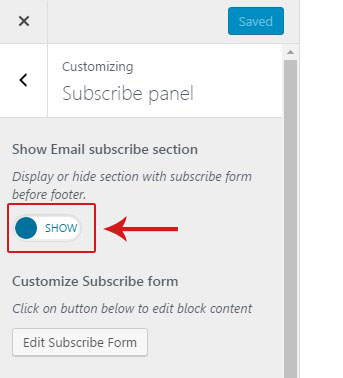
By default subscribe panel is enabled in the theme. If you don't need it on your site, you can disable it under Customize > Subscribe panel tab by switching Show Email subscribe section toggle to 'Hide'.
Subscribe panel customization
Customization options for subscribe panel are located under Customize > 'Subscribe panel' tab as well. They are as follows:
- Customize subscribe form - click on the 'Edit subscribe form' button to open editing window. Enter custom title and description for your form there. You can also enable 'Show Custom form here?' option and enter custom subscribe form shortcode generated by another plugin or simple HTML text. It will be displayed instead of the default subscribe form.
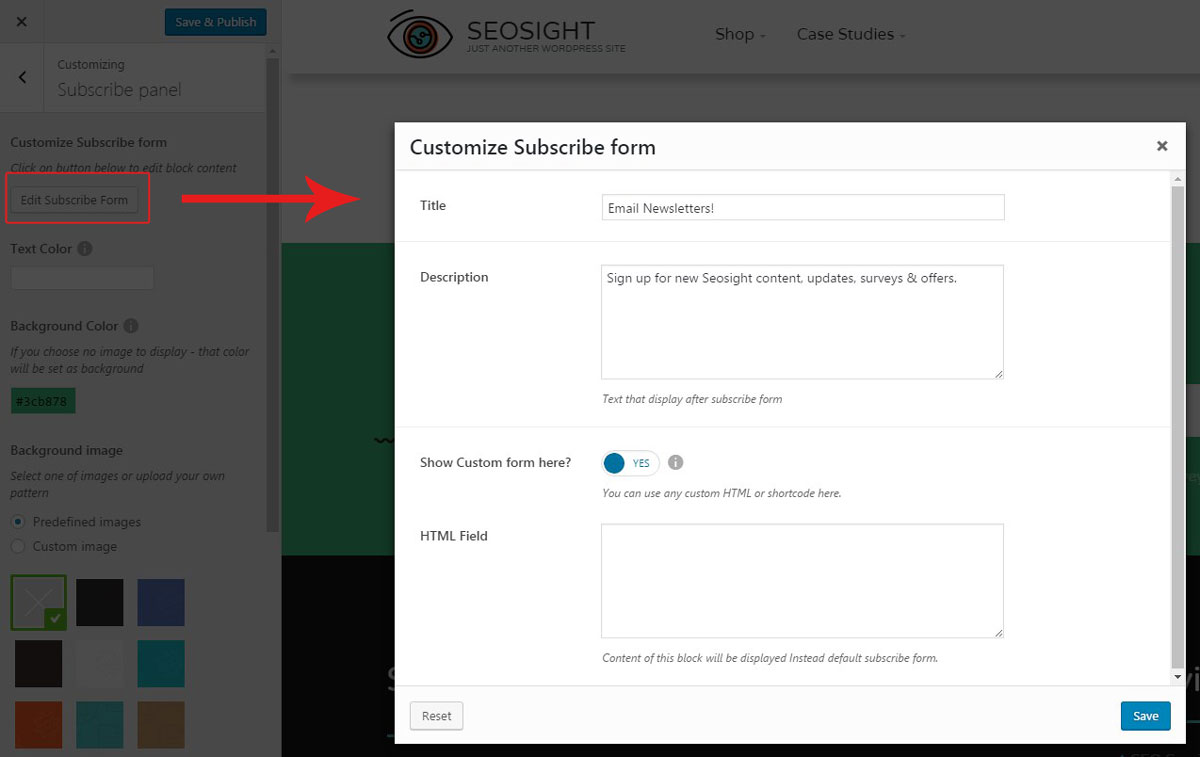
- Text color - you can choose custom color of the text in the subscribe panel.
- Background color - you can choose custom background color of the subscribe panel.
- Background image - instead of the backgrund image you can enable one of the predefined background patterns or upload your own image.
- Expand background - this option lets you stretch the image across the whole area of the subscribe panel. This option is required if the uploaded image is smaller than the subscribe panel area, but you don't want it to get repeated.
- Show animated images? - this options lets you enable animated images pop up once the subscribe panel appeared in the viewport.
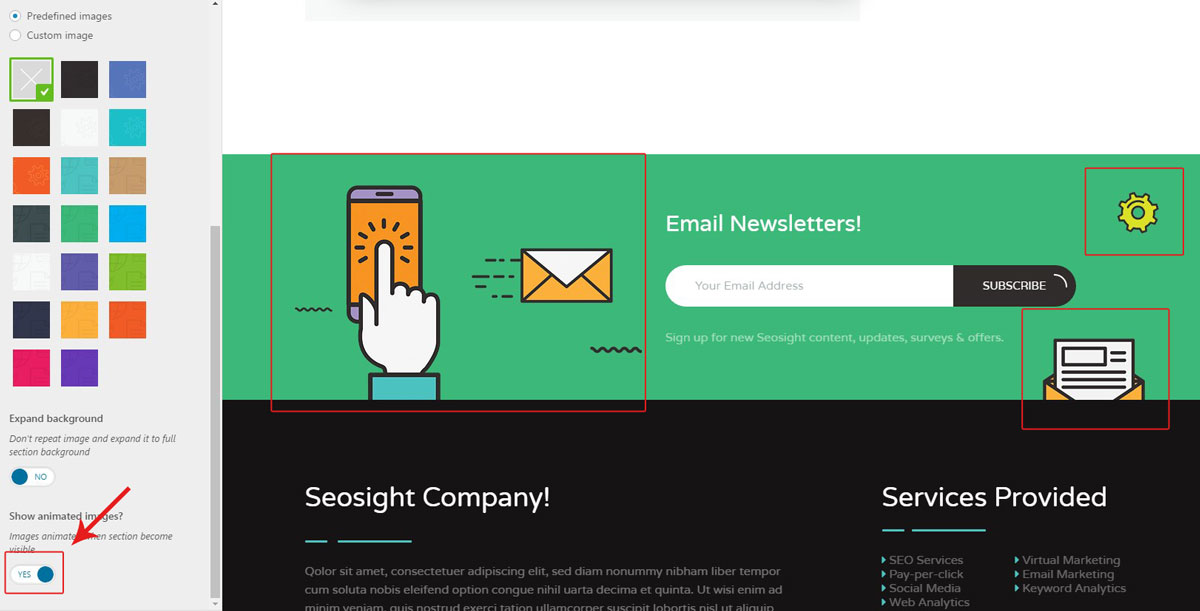
Once you finished adjusting the settings, hit the 'Save & Publish' button.
Subscribe form on individual pages
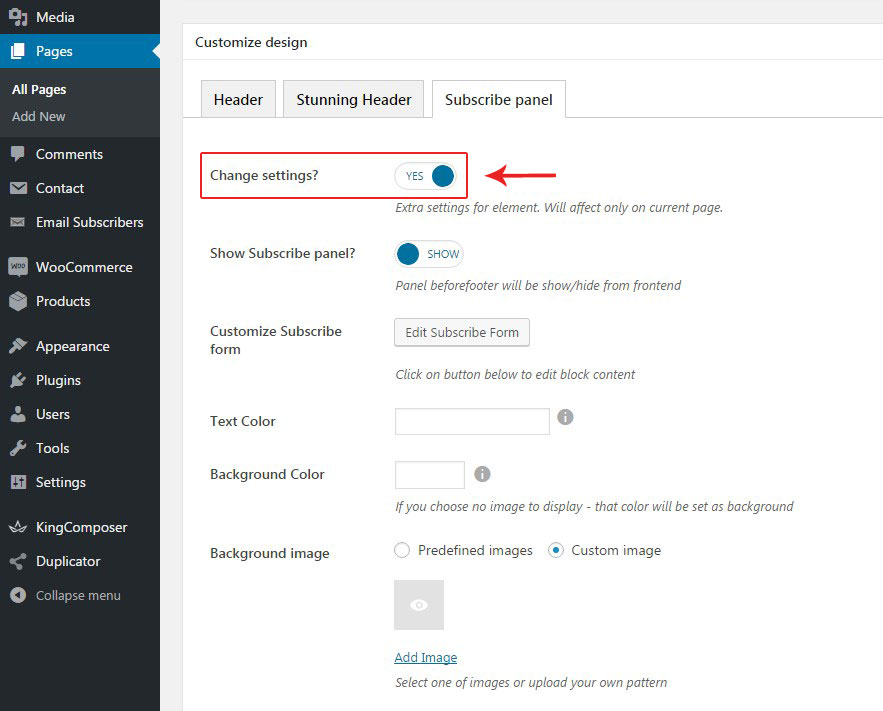
If you want to disable subscribe form customize it for individual pages, there are corresponding options under 'Subscribe panel' tab in each page editor. To start customizing the form, you need to switch 'Change settings' option to 'Yes'. Below will appear the same options as in Customize panel.