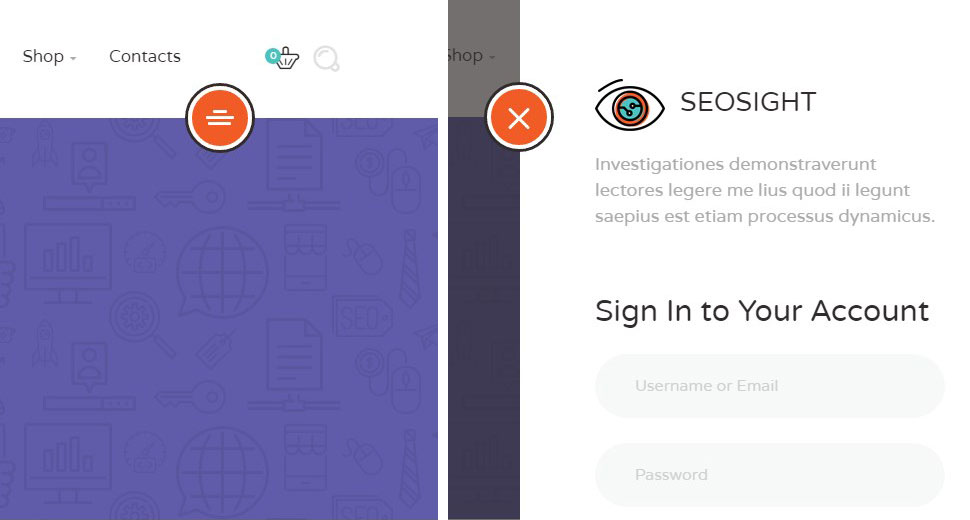
Aside panel is a hidden menu that is opened by clicking on the round red icon on the right side under the top menu.
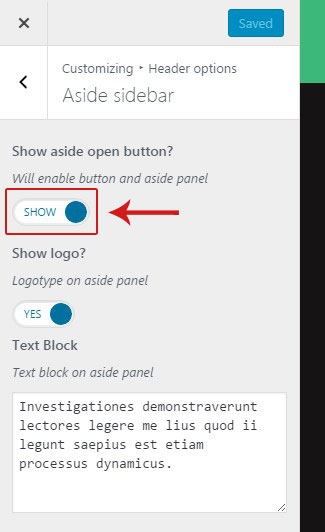
Aside panel can be activated in Customize > Header options > Aside sidebar.
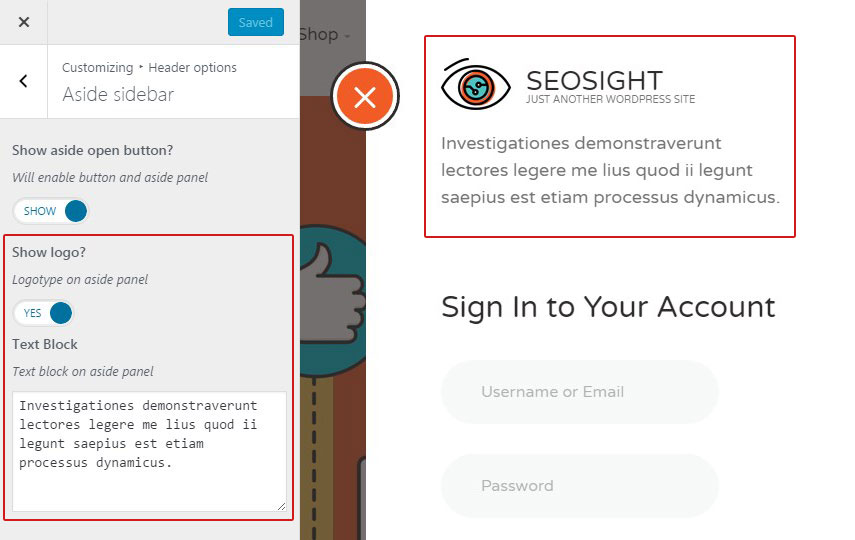
You can also activate logo and add some text that will be displayed on the top of the aside panel.
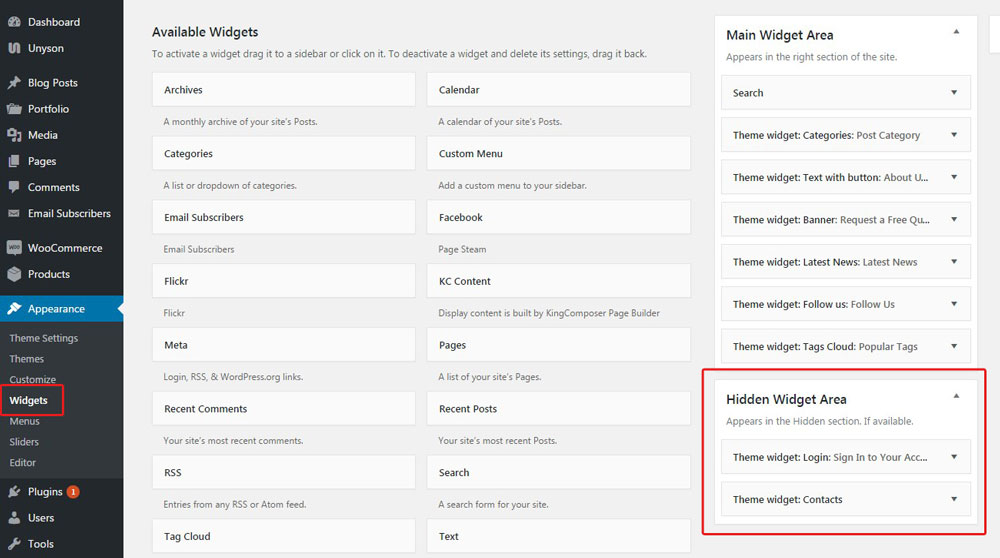
In order to add some widgets to the aside panel, go to Appearance>Widgets section and add any widgets you like into Hidden Widgets Area with drag-and-drop function.