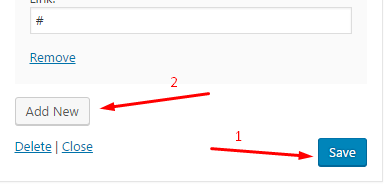
To add and style your content in sidebars and footer you can use widgets. Go to Appearance>Widgets.
There are default WordPress widgets that take the theme style though. More about WP widgets you can read here: https://codex.wordpress.org/WordPress_Widgets
And there are also additional theme widgets. To add a widget to your sidebar/footer, just choose it and drag to the right side inside needed area. Then start configure settings filling in needed fields and selecting desired options.
NOTE: To add an additional field in the widgets that allow it (like Follow us widget), you need first save previous options for to activate Add new button
BannerBanner with a background image, text, icon and button  | Category listshows taxonomy objects with number  |
Contactsdisplays contact information with description and icon 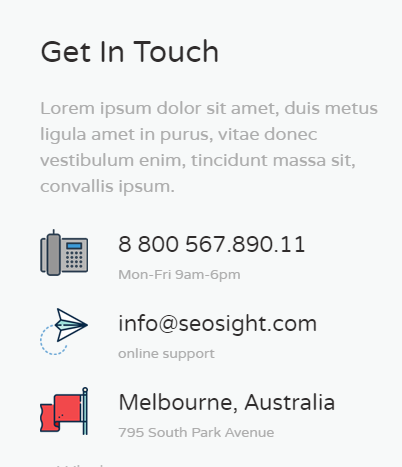 | Follow usadds links to your social accounts 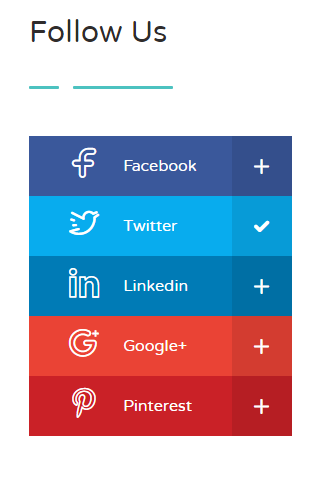 |
Latest Newsshows the preset number of latest posts 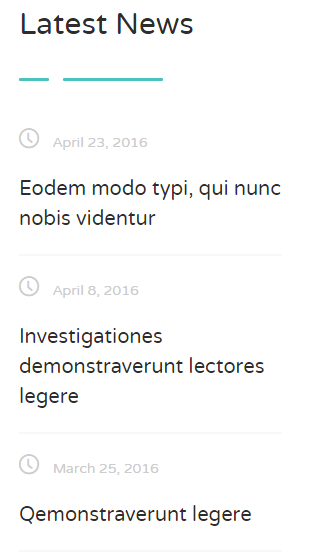 | Loginadds login form 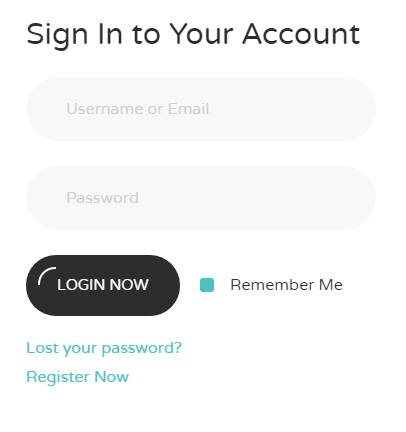 |
Menusallows to display custom menus in two columns  | Tags cloudshows the preset number of tags  |
Text with buttonadds a text block with title, short description and button 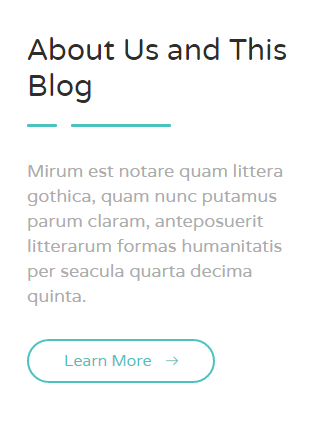 |