Portfolio options
Portfolio options let you control display of the single portfolio items. They are located under Customize> 'Portfolio options' tab.
The options are as follows:
- Primary portfolio page - lets you choose main portfolio page. Once you set the page, there appears 'Shapes' icon between the navigation links. You will be redirected to the selected page on click over this icon.

- Thumbnail / Slider align - lets you choose position of the portfolio featured image or image gallery.

- Show Like - you can enable or disable likes on page.

- Show date - lets you enable/disable portfolio date of creation.

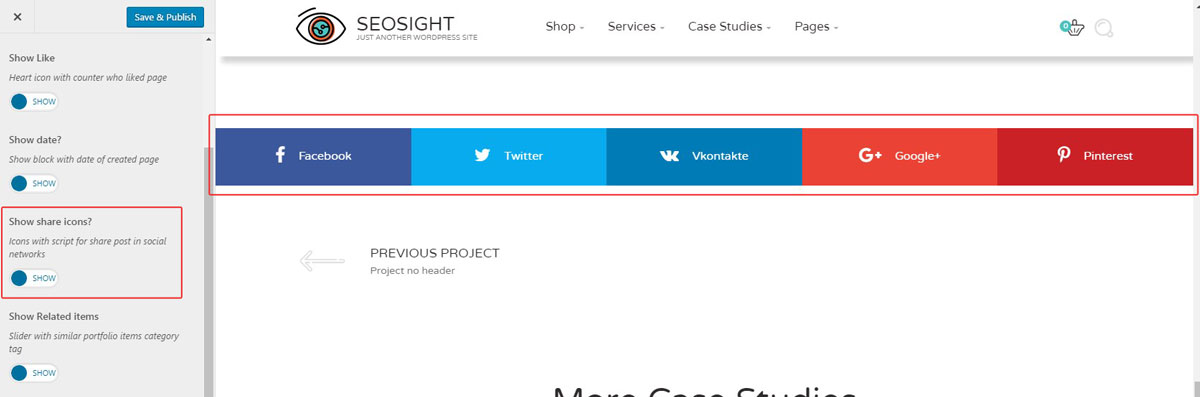
- Show share icons - lets you enable/disable social share buttons on page.
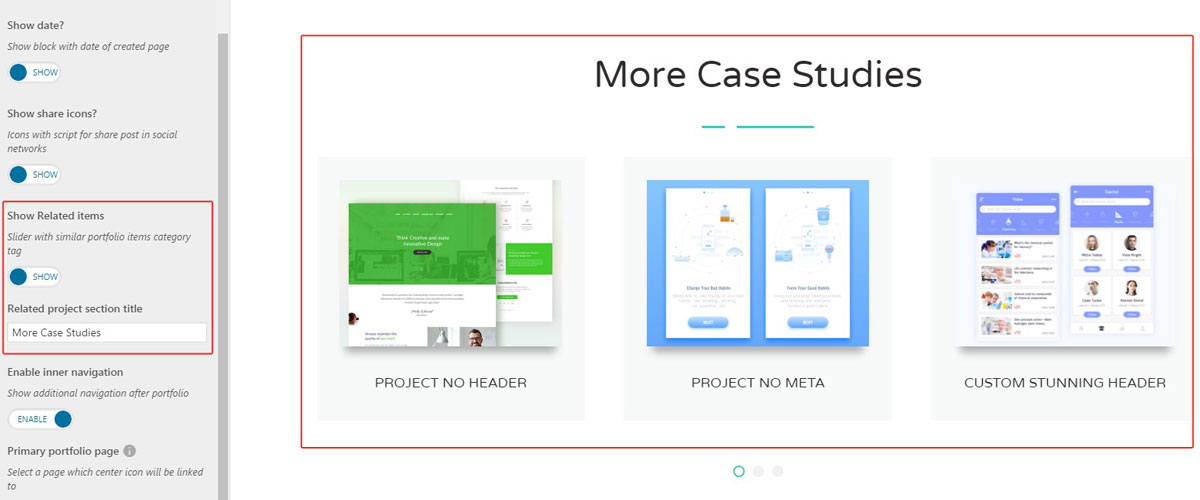
- Show related items - you can activate related portfolio items at the bottom of the page. You can also set custom title for this section.
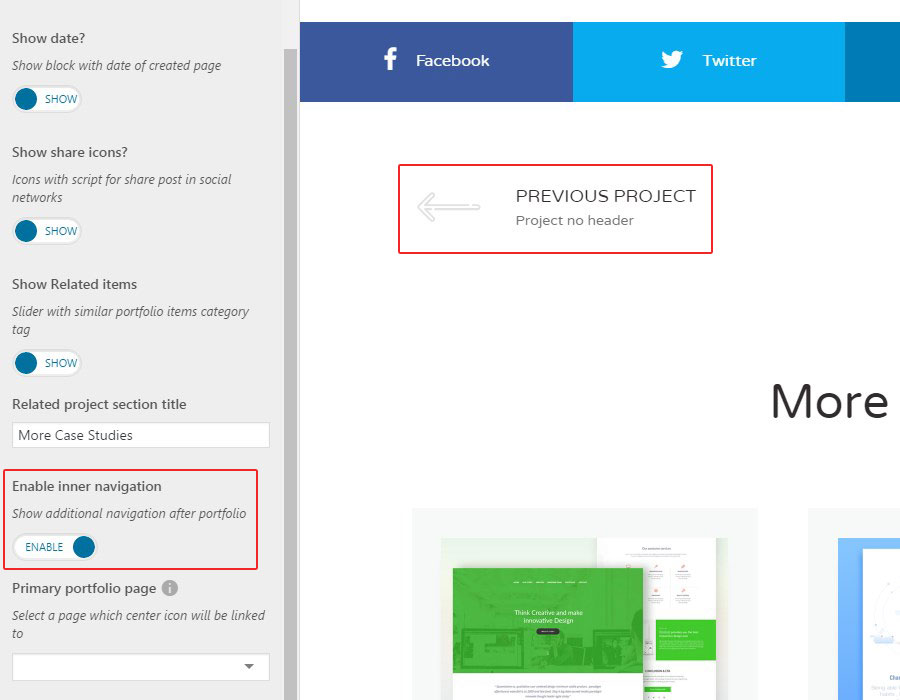
- Enable inner navigation - lets you enable links to previous and next portfolio items.
IMPORTANT NOTE: If you need custom settings on selected portfolio items, you can customize them in the page editor of the single portfolio item.