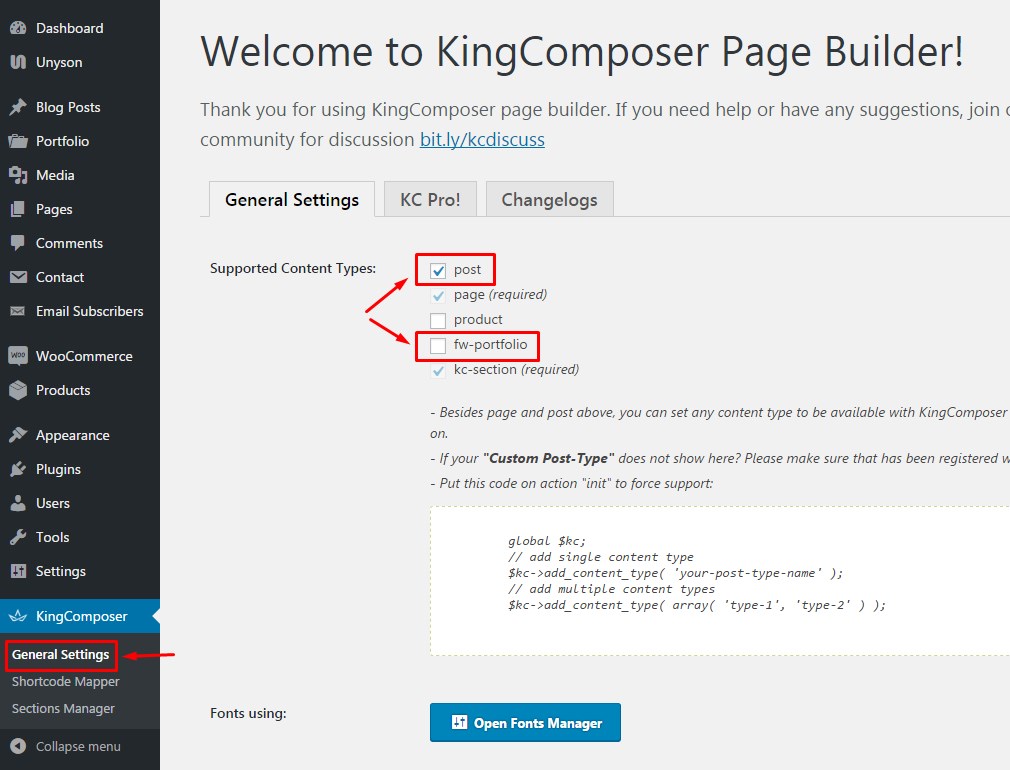
By default King Composer editor is enabled for pages. If you want to use it in portfolio projects and posts, it can be enabled for them too.
All you need to do is to go to King Composer > General Settings in your admin dashboard and check 'post' and 'fw-portfolio' checkboxes. When you are done, click Save Change button.
After that you can edit your posts and portfolio projects as described in King Composer - Backend Editor and Row animations in King Composer tutorials.