Fullscreen slider

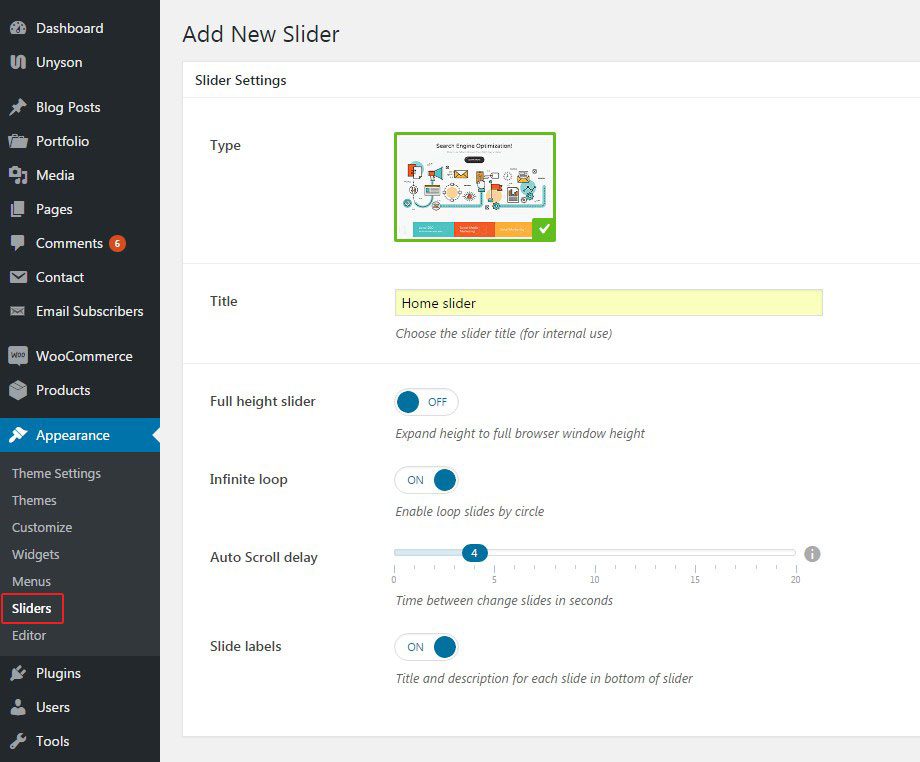
Fullscreen slider is created under Appearance>Sliders section. Click on Add New button and configure general slider settings:
- Title - enter title of your slider
- Fullheight slider - enable this option if you want your slider to occupy full height of your browser window
- Infinite loop - enable this option to activate autoscroll function of the slider
- Auto Scroll delay - choose time between slides change
- Slide labels - these are the colored tabs under the slider. If you want to show them, enable this option.
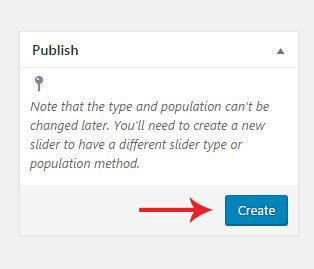
When you are done, hit Create button on the right hand side of the screen.
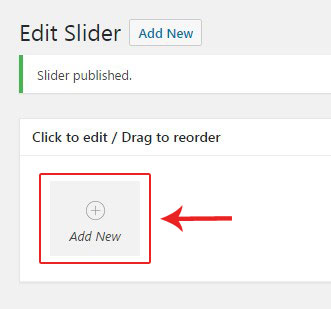
Now you are in the slides editor. Click on Add New button to add a new slide.
Configure the slide using the options below:
- Image - the uploaded image can be used as a slide element or as its background. Switch 'Main image position' toggle to activate desired mode.
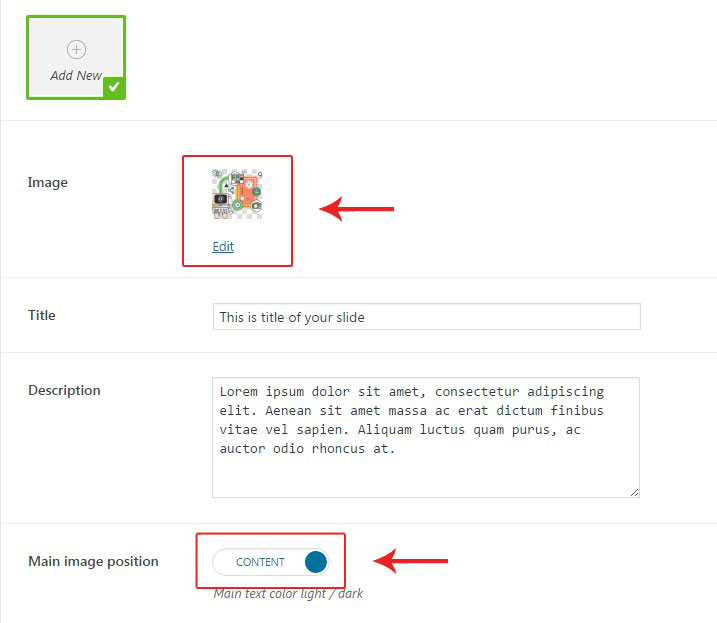
- Title & Description - fill in these fields to display some content inside your slide.
- Buttons - add some buttons if needed and configure their settings in the Button editor.
- Content placement - there are 3 layouts of content position to choose - centered, left and right.
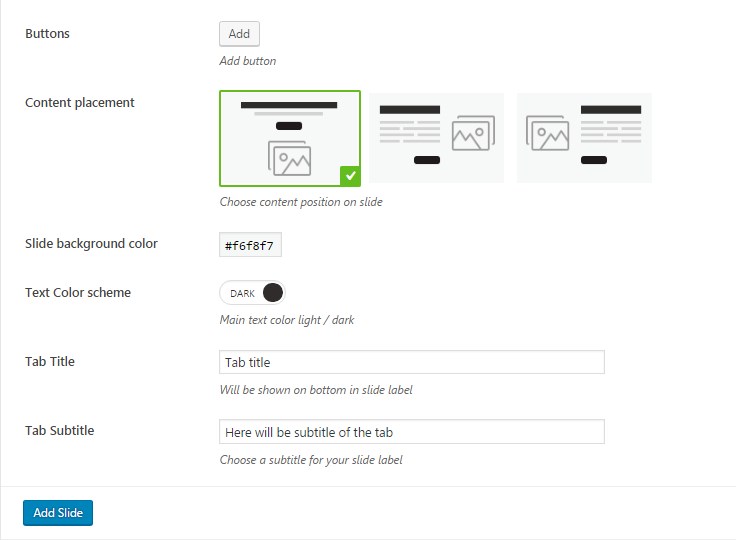
- Slide background color - the chosen color will be displayed as a background of the bottom tabs. It will be used on the slide body too, if you don't use image as a background.

- Text color scheme - the chosen color scheme will be applied to the entire text content of the slide.
- Tab title & Tab subtitle - fill in these fields to display on the bottom slide tab.

When you are done, hit Add Slide button to save changes and proceed creating new slides.
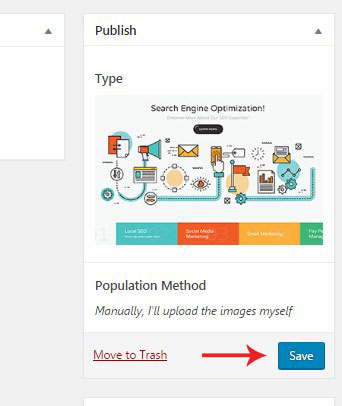
When the slider is ready, hit Save button on the right hand panel.
Adding slider on page
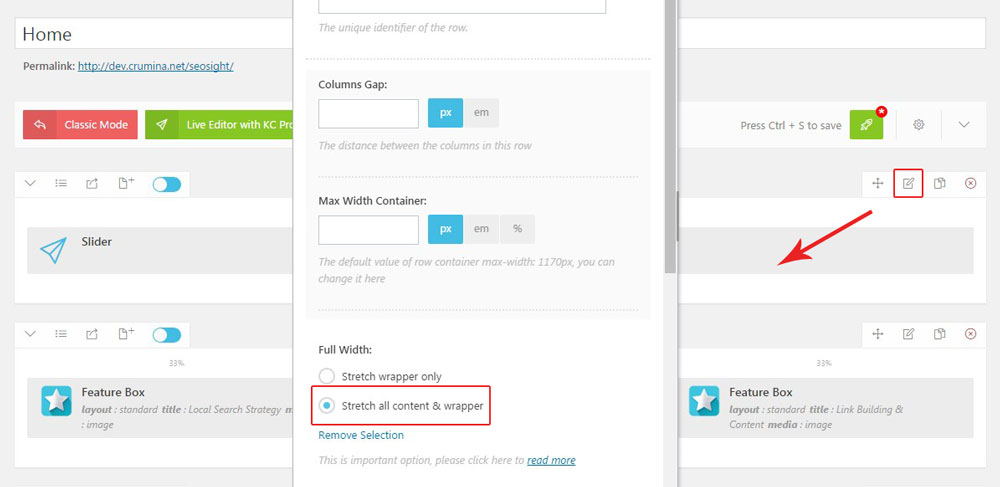
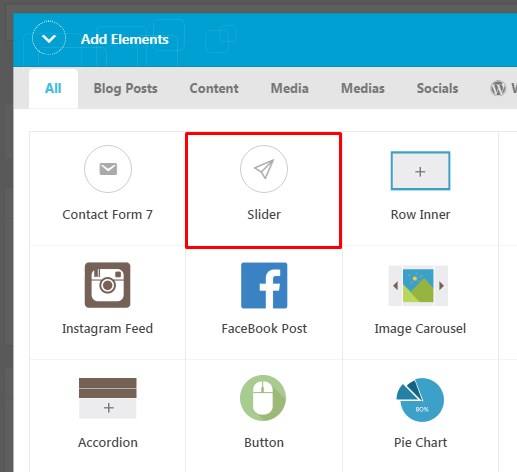
To add slider on your page, choose 'Slider' shortcode in King Composer editor and select required slider from the sliders list.
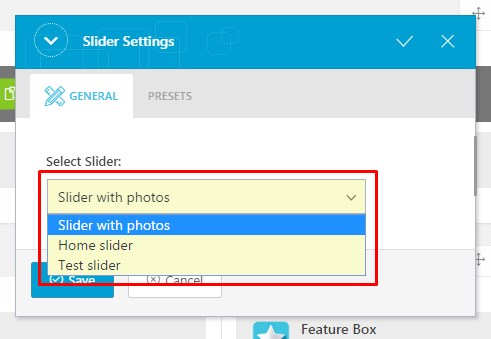
In order to make the slider fullwidth, edit row settings and choose 'Stretch all content & wrapper' option.