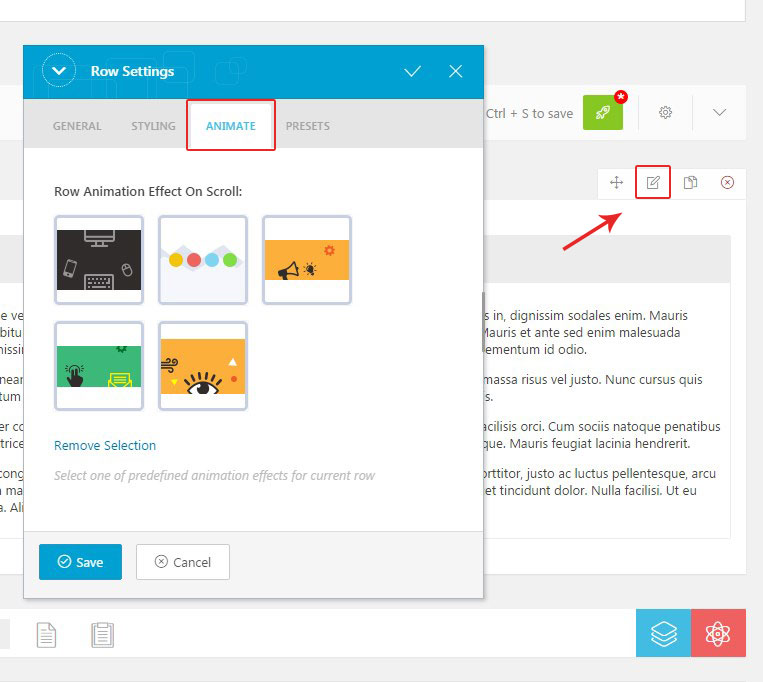
There are 5 animation variants for sections in Seosight theme. They are located under 'Animate' tab in Row Settings and are represented by thumbnails.
If you want to enable one of them in your row, simply choose the desired animation type and save changes.
1. Install and activate Child Theme
2. Copy the folders 'images/animated' from the main theme to the Child theme
3. Upload your images to 'animated' folder naming them the same as default images.
Note: We recommend to upload images of the sizes equal to the default images dimensions.