Simple page
Page is created under Pages>Add New tab. Create a new page, enter title and begin adding content.

Content management
Content can be added via:
- standard WordPress editor
- King composer or Elementor editor. It comes as the main page builder in the theme and provides multiple elements for building pages. All elements have a great many customization options, allowing you to adjust them to your liking.

Design options
In the 'Customize design' box you can customize the following options:
- Header - top page section with logo and menu in it.
- Stunning header - page title section, displayed right below the header section.

In order to edit header section, switch 'Change settings?' toggle to 'Yes' and customize the following options:
- Absolute placed Header - if enabled, header will be placed above the content.
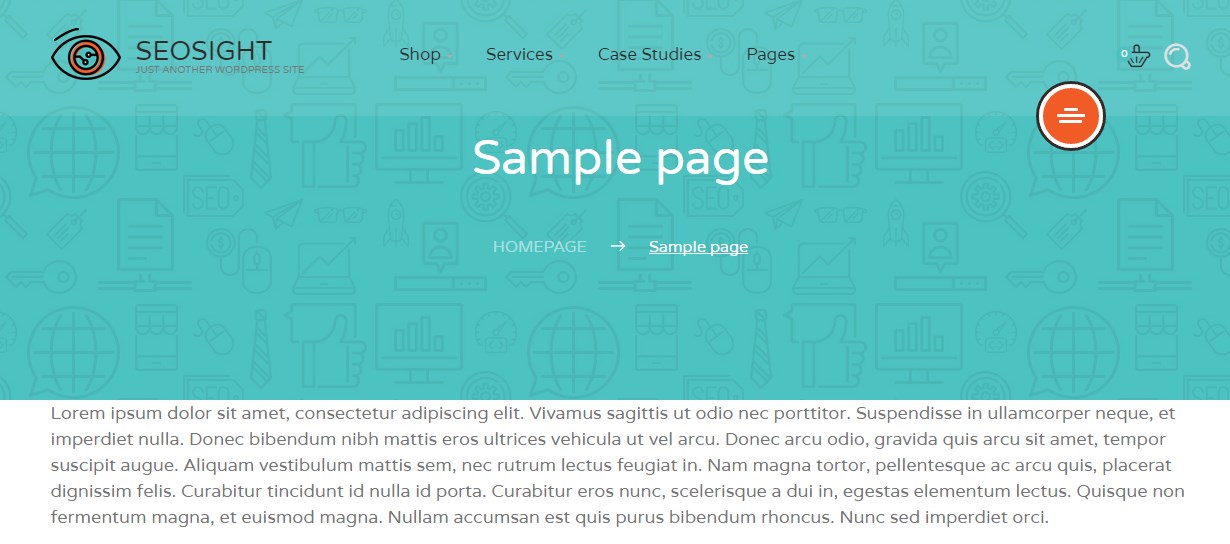
- Header opacity - lets you control opacity level of the header section.

- Select menu to display - lets you enable custom menu on the current page.

In order to edit stunning header, switch 'Change settings?' toggle to 'Yes' and customize the following options:
- Show stunning header? - you can enable or disable stunning header on the current page. If disabled, the rest options below will be hidden.
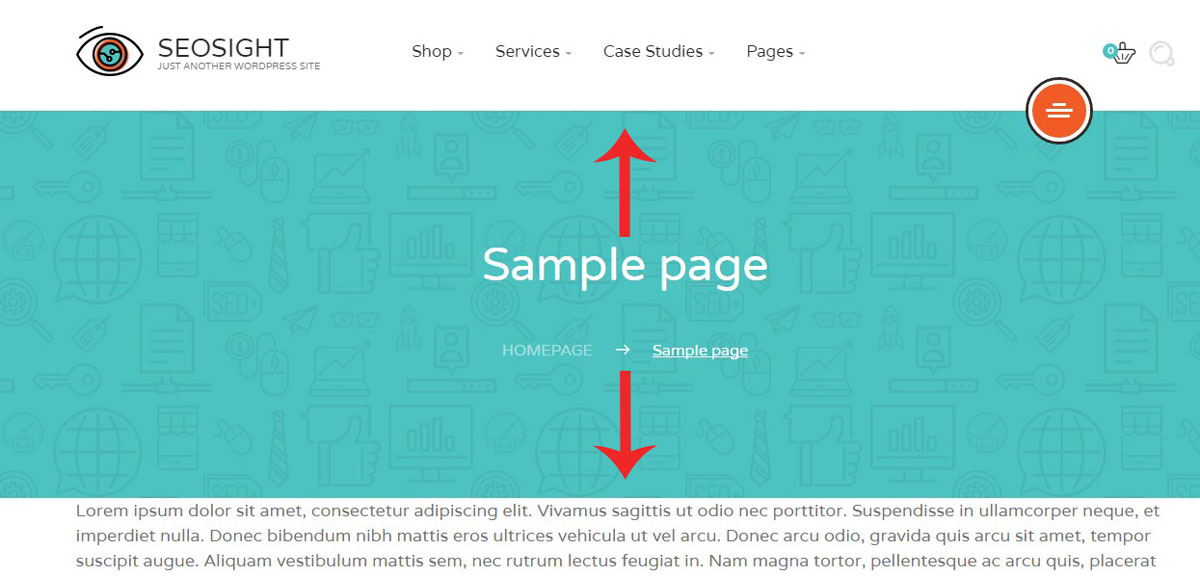
- Padding from Top/Bottom - you can set padding height between the title and section border.

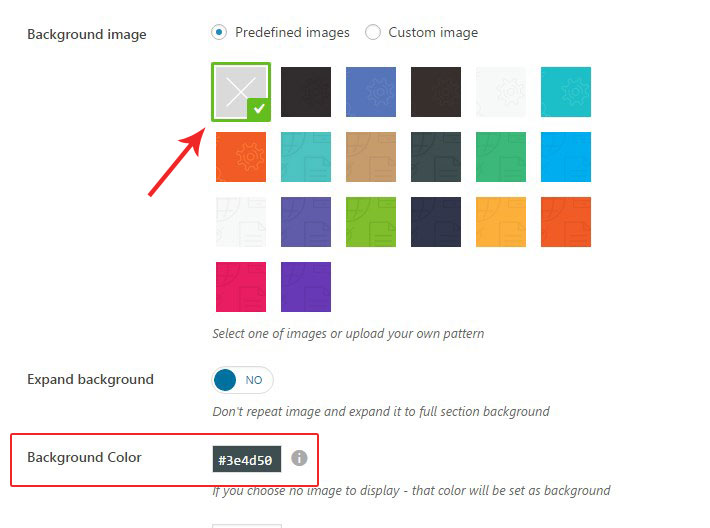
- Background image - you can set one of the predefined background images or upload your own one.

- Expand background - this option makes the background image stretch across the entire stunning header section. It is required in those cases when the image is smaller than the stunning header section.
- Background color - you can set background color instead of the background image. It will be applied only when the background image is disabled.
- Text color - lets you change the color of the page title and breadcrumbs.

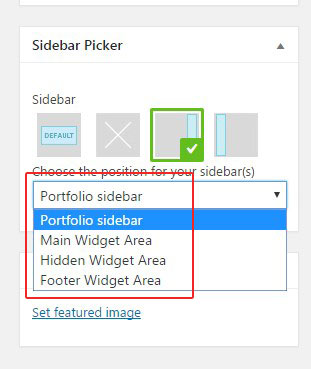
You can control the display and position of the sidebar on-page in the 'Sidebar Picker' box.
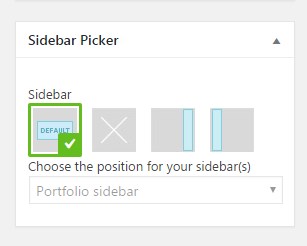
The options are:
- Default - sidebar settings are applied from Appearance>Widgets>Manage Sidebars section.
- No sidebar
- Right sidebar
- Left sidebar
NOTE: If you choose the Right sidebar or Left sidebar, you can also specify which if the existing sidebars to show.