If demo import process fails on your installation and you get an error kind of cURL error 28: Connection timed out after 10001 milliseconds, we recommend an alternative way to import demo data.
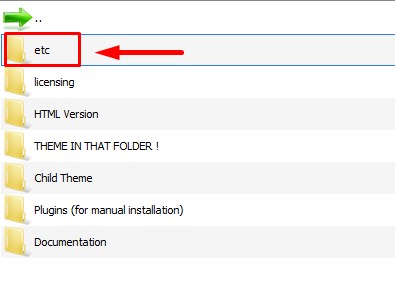
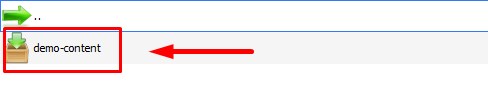
1. Find demo-content.zip archive in 'etc' folder of Seosight package.
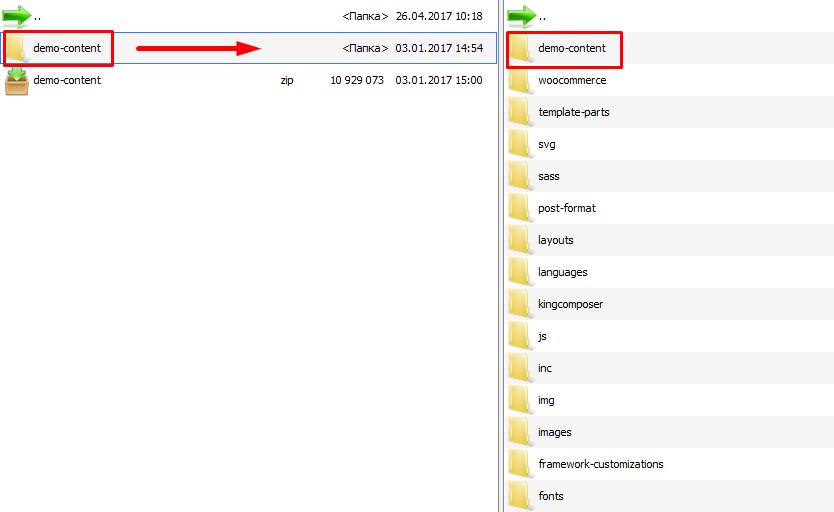
2. Unzip demo-content.zip and upload to the root folder of the theme ( wp-content/themes/seosight)
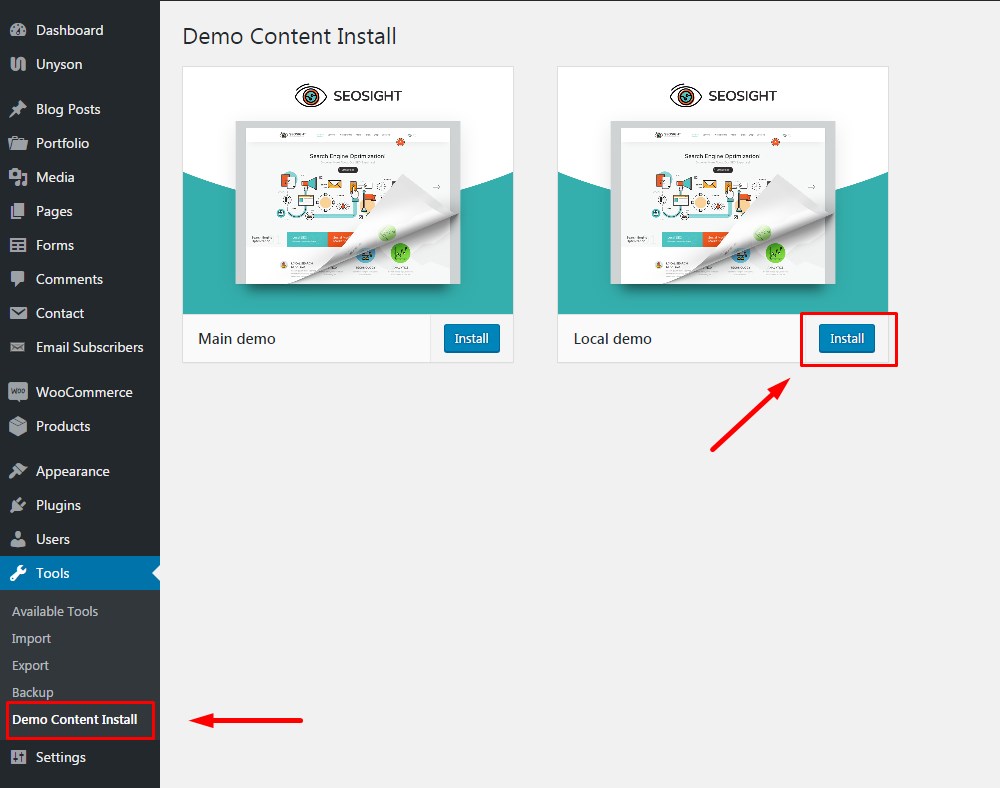
3. Go to Tools>Demo Content Install where you will see two demo options. You need to install Local Demo.
That's all!
Look at the video tutorial!