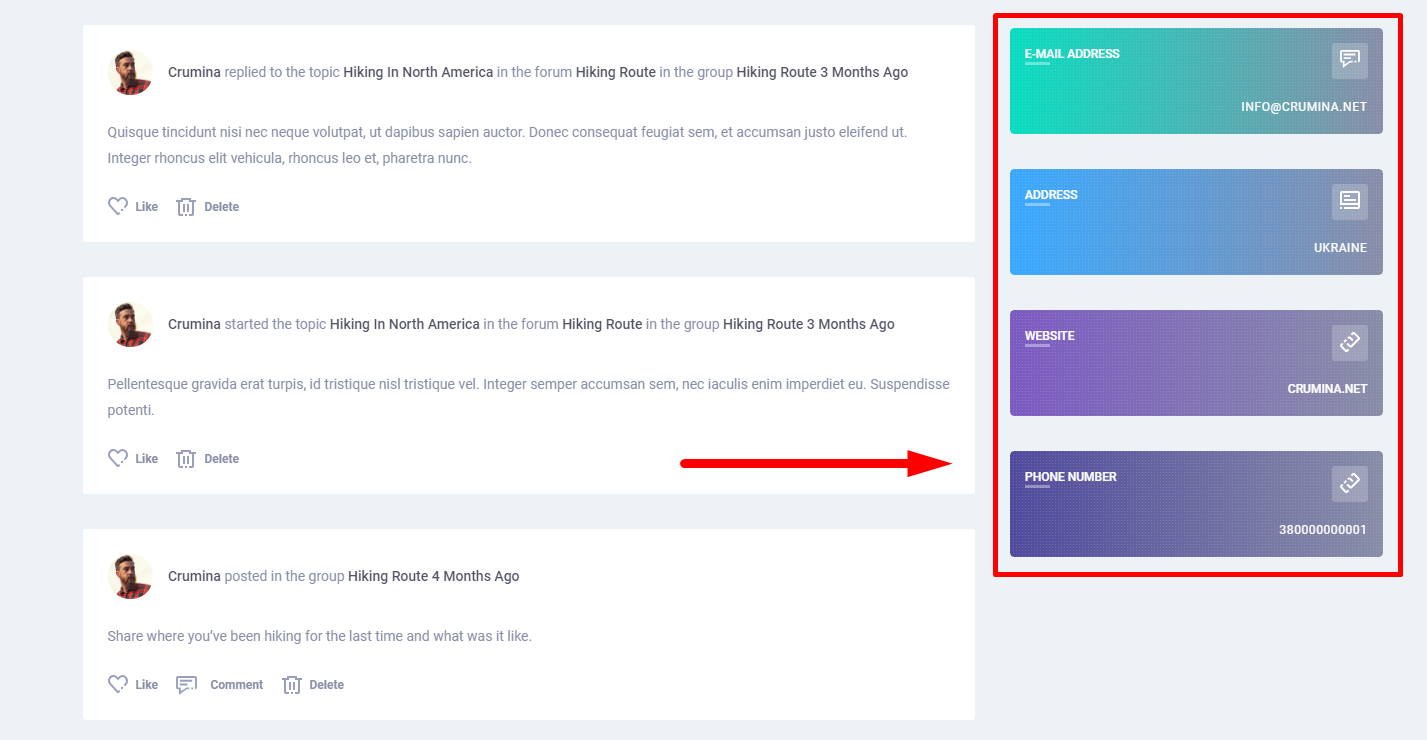
Info Boxes have predefined colors, that can be changes with custom CSS codes. Below are the sample CSS codes for each info box:
Email info box:
.yz-box-email {background: url(../../images/dotted-bg.png), -webkit-linear-gradient(right, #16609c, #020202);}/*for gradient*/or
.yz-box-email {background: #020202;}/*for solid color*/
Address info box:
.yz-box-address {background: url(../../images/dotted-bg.png), -webkit-linear-gradient(right, #16609c, #020202);}/*for gradient*/or
.yz-box-address {background: #020202;}/*for solid color*/
Website info box:
.yz-box-website {background: url(../../images/dotted-bg.png), -webkit-linear-gradient(right, #16609c, #020202);}/*for gradient*/or
.yz-box-website {background: #020202;}/*for solid color*/
Phone info box:
.yz-box-phone {background: url(../../images/dotted-bg.png), -webkit-linear-gradient(right, #16609c, #020202);}/*for gradient*/or
.yz-box-phone {background: #020202;}/*for solid color*/
To apply CSS codes they must be added to Customize>Addtional CSS section.