In recent theme updates, we have replaced the Update Checker extension with the Envato Market plugin, so users can easily use it for further updates.
If you face with some problems during updating the theme to the latest version when still updating via Update Checker Extension and theme activation, you can simply install the Envato Market plugin by yourself.
Unlike most other free WordPress plugins, the Envato Market isn’t available in the WordPress Plugin Repository, and you will need to download the plugin from Envato Market repository, following this link.
The plugin can be installed from a ZIP file via the WordPress Dashboard. You need to perform the next steps:


The plugin settings page allows you to configure your Envato API Personal Token in order to display a list of a purchased theme from Envato Markey. This API Token is generated from build.envato.com and will allow WordPress to securely receive item updates.
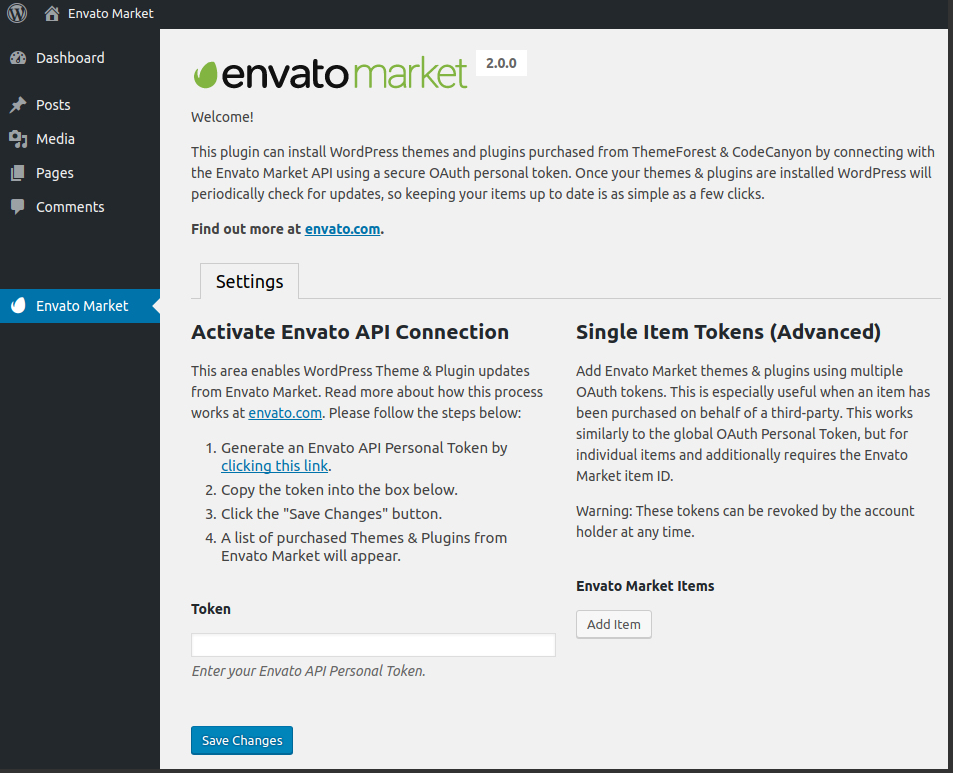
Once the Envato API connection is made from the Settings page, a list of available Themes will be shown. This will list all WordPress Themes that have been purchased through the Envato Market/ThemeForest.
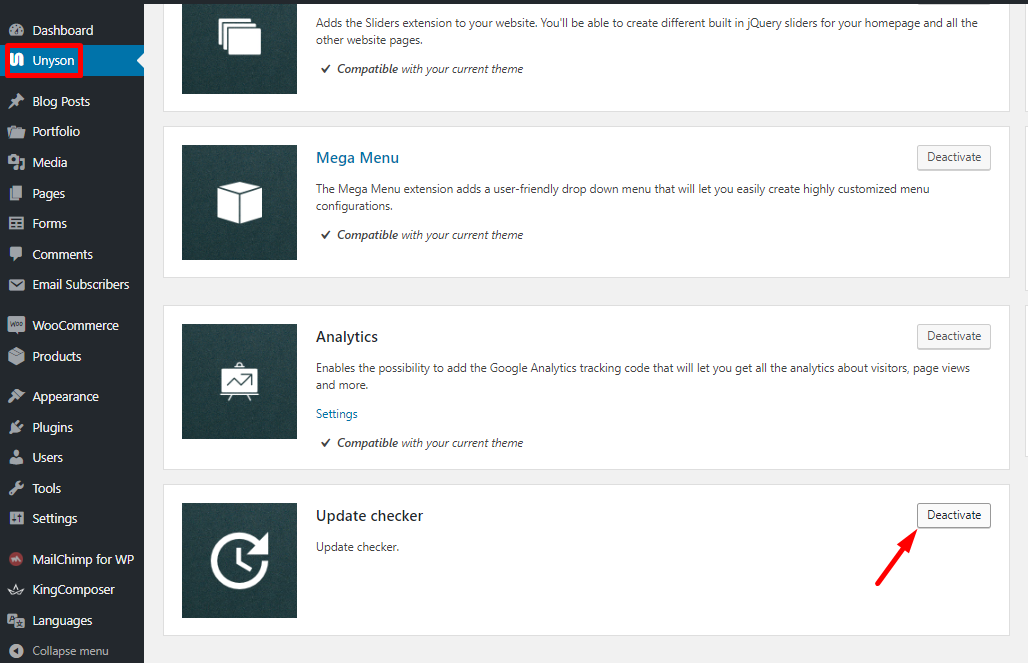
NOTE: However, there can occur some issues while updating the theme, so if you get some errors during this process, try to do the following:
OTHERWISE: You are always able to update the theme manually. The more detailed information on how to update the theme manually, you can find in this guide.