Single portfolio post
How to create portfolio post
To create portfolio post, please follow the instructions below:
- Login to your WordPress admin panel
- Go to Portfolio>Add new
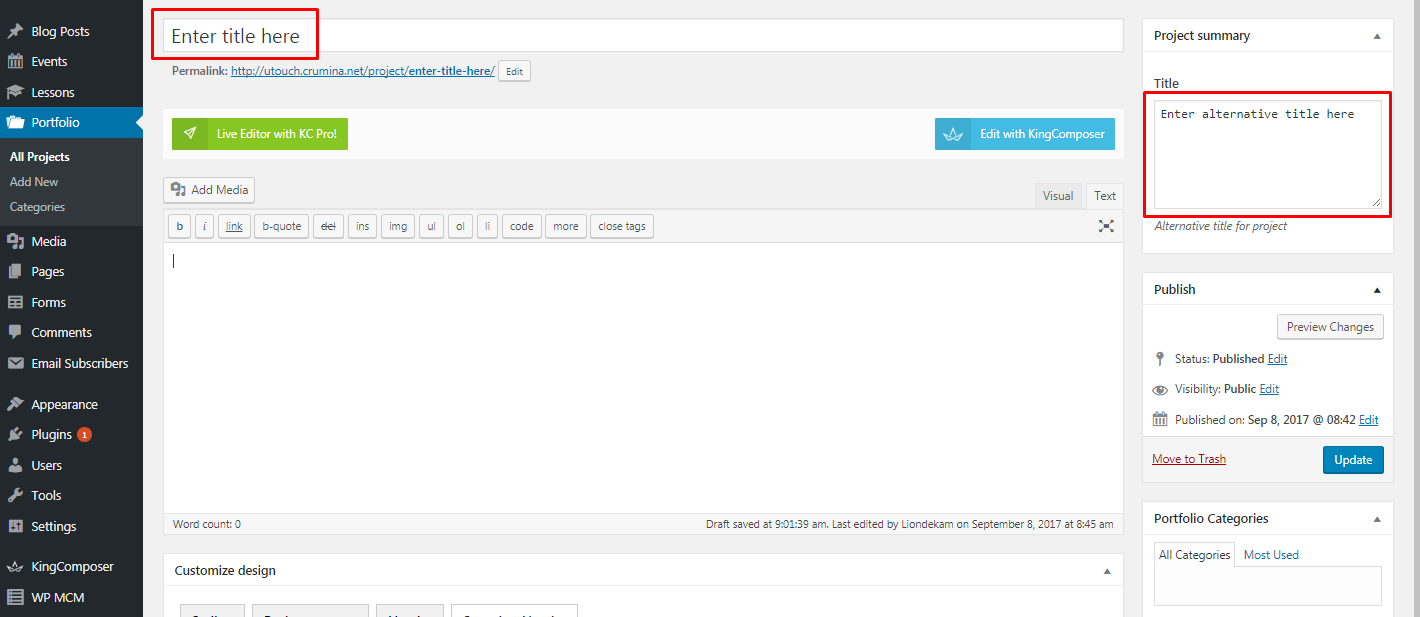
- Add the title of your portfolio post page
- Fill in Project summery title on the right - this title will be displayed on your portfolio archive pages or leave the field empty to show your project origonal title
Set featured image to your portfolio post under Project Cover image tab.
Click Publish button
Portfolio options:
- You can add additional content into the default WordPress Visual or Text editor.
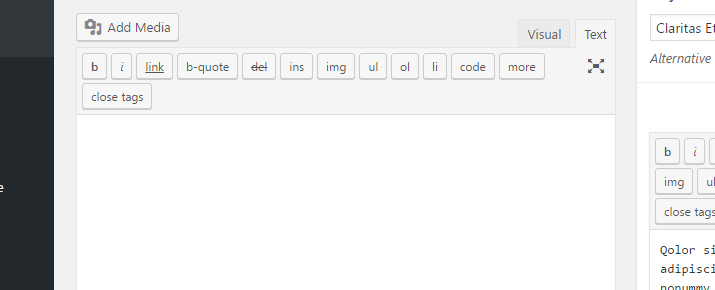 You can also use KingComposer page builder instead, but you need to activate it for portfolio type content. For this:
- find KingComposer tab in your dashboard
- go to General settings>Supported Content Types
- check fw-portfolio. Now you have KingComposer tab in your portfolio project page.

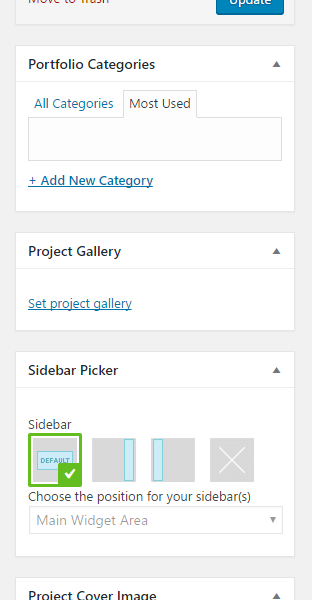
- You can assign your portfolio to an existing Category or create a new one if needed
- If you want Gallery slider in your summary area, then upload images to Project Gallery, otherwise Project Cover Image will be displayed
Set desired sidebar position under Sidebar Picker tab.
Design options:
Portfolio design options you can find under the tab Customize design. Let's observe them:
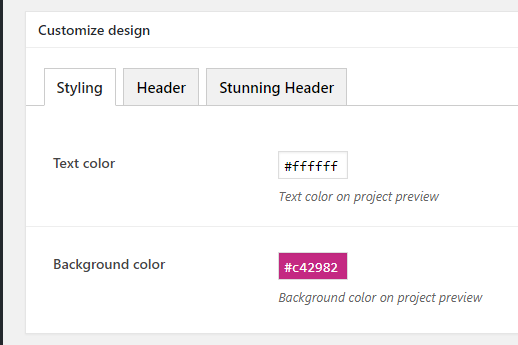
- Styling:
- Text color - set a color of the text that will be displayed on arhive portfolio pages
- Background color - the a color of the Cover image and title on arhive portfolio pages
- Header:
- Change settings? - settings will be changed only for this page. If turned off, general settings will be applied.
- Top decorative line - set the decorative colored line on the top of the page
- Background Color - set the background color of the header
- Text Color - set the header text color
- Menu decoration style - select one of the header styles.
- Stunning header:
Select section style - choose the style of your stunning header
Customize content - set the elements you want to display in the stunning header: title, subtitle, category, breadcrumbs, buttons, author info, additional info.
- Customize Design - set the text and background color/image, background color and stunning header height .