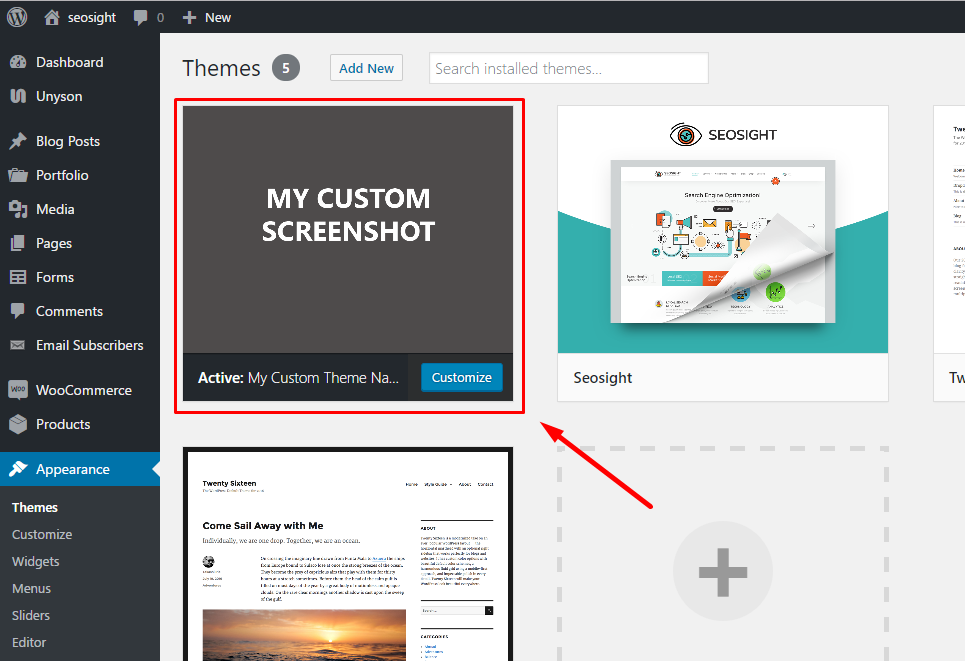
When setting up a WordPress site, we often use pre-made WordPress themes. Very often we rename themes in order to represent them as our own products. But it often leads to unpredictable issues. In this article we will tell you why you can't rename themes.
Be it a premium theme or a free one, like Twenty-Sixteen, they are getting updated by their creators providing some new features or fixing bugs. It is very important to keep your theme up-to-date for maximal compatibility with WordPress and other plugins you might use with your theme.
Most modern themes come with automated update function, that lets you get updates directly from your admin dashboard. If you renamed your theme, this function isn't available for you anymore, because updates are linked to the particular theme name. Of course, you can download the latest theme package and upload the files via your FTP client (for example via Filezilla program). But very often this option is ignored and you continue using an outdated theme for months until you realize it's time to update. But it is already too late, because of two possible reasons:
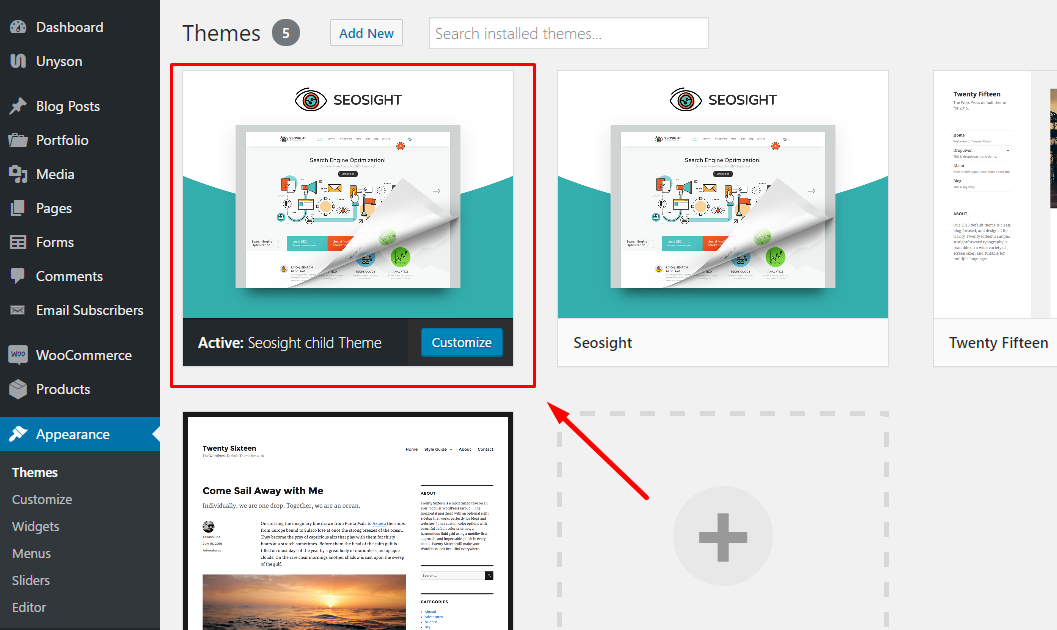
The one and only solution is to use a CHILD THEME. Each modern theme comes with a child theme. It fully inherits parent theme functionality, it serves for all possible code modifications and it doesn't require updates. Child theme can be renamed!
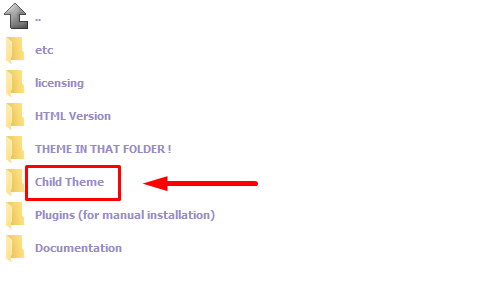
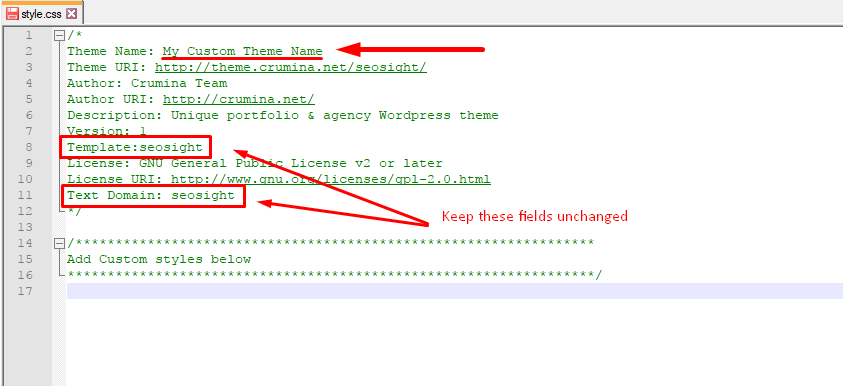
If you are going to rename your theme, it is recommended to install the child theme from the start of your work. Follow the next steps:
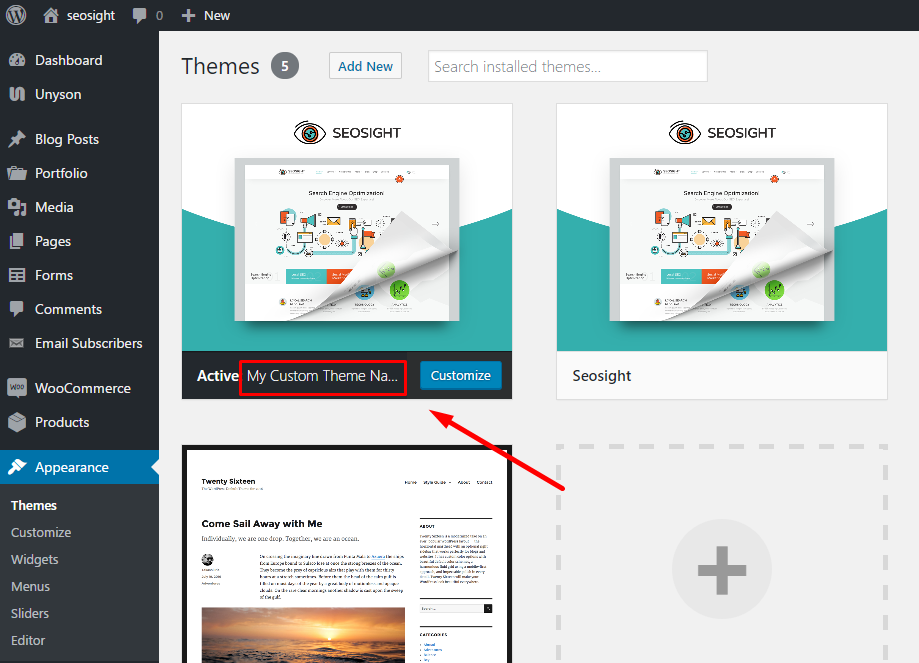
That's all! Now your theme is renamed. You can make any code modification in the child theme without touching the original code. You can update the parent theme without worrying for your changes. And the most important thing - automated update function is still available for you.