Simple page
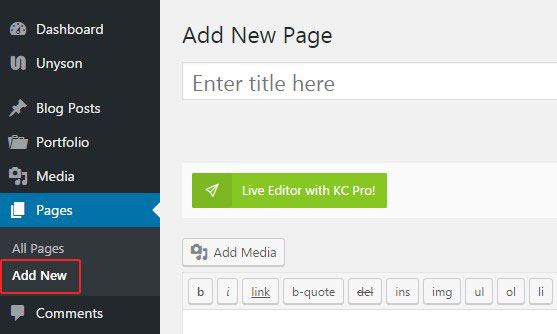
Page is created under Pages>Add New tab. Create a new page, enter title and begin adding content.
Content management
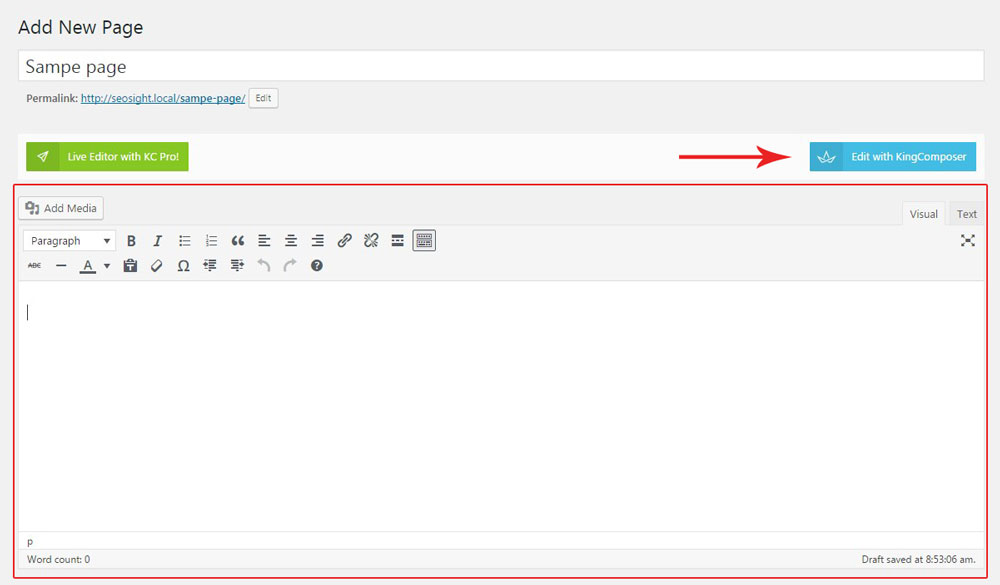
Content can be added via:
- standard WordPress editor
- King composer editor. It comes as a main page builder in the theme and provides multiple elements for buiding pages. All elements have great many of customization options, allowing you to adjust them to your liking.
Design options
In the 'Customize design' box you can customize the following options:
- Header - top page section with logo and menu in it.
- Stunning header - page title section, displayed right below the header section.
- Adjust Header Options:
- Select menu to display - choose the menu you want to display on your blog page
- Change settings? - settings will be changed only for this page. If turned off, general settings will be applied.
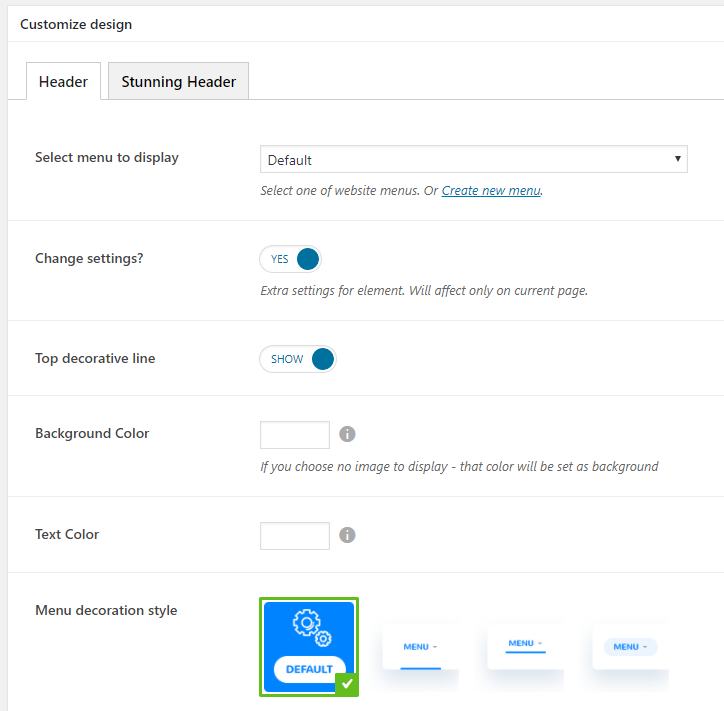
- Top decorative line - set the decorative colored line on the top of the page
- Background Color - set the background color of the header
- Text Color - set the header text color
- Menu decoration style - select one of the header styles.
- Stunning header:
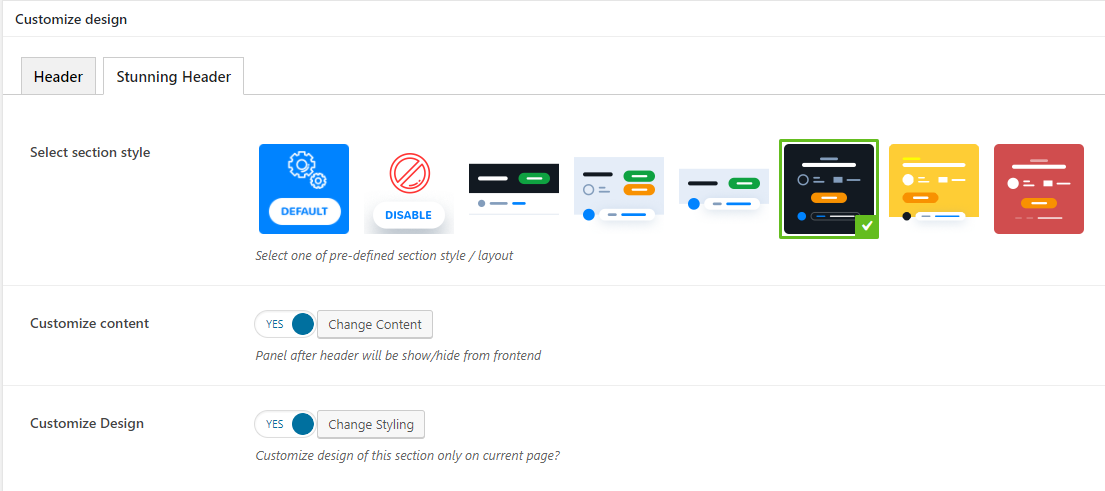
Select section style - choose the style of your stunning header
Customize content - set the elements you want to display in the stunning header: title, subtitle, category, breadcrumbs, buttons, author info, additional info.
- Customize Design - set the text and background color/image, background color and stunning header height .
Sidebar management
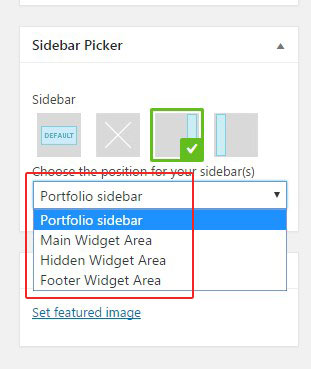
You can control display and position of the sidebar on page in the 'Sidebar Picker' box.
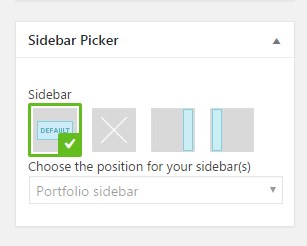
The options are:
- Default - sidebar settings are applied from Appearance>Widgets>Manage Sidebars section.
- No sidebar
- Right sidebar
- Left sidebar
NOTE: If you choose Right sidebar or Left sidebar, you can also specify which if the existing sidebars to show.