Header options
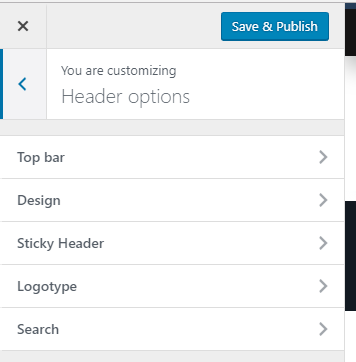
Under Header options tab you can adjust the settings for:
Top Bar

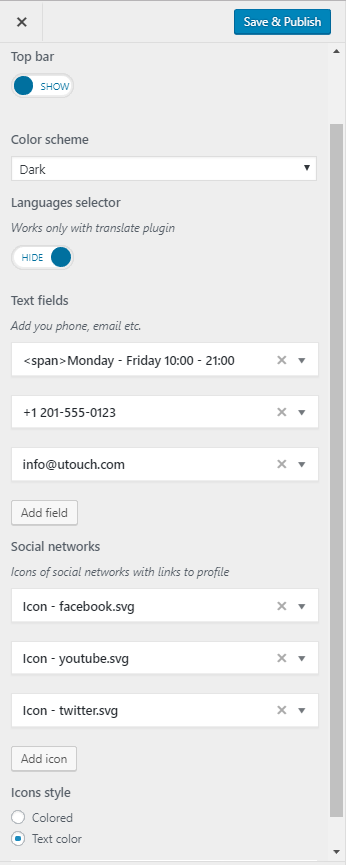
Top bar is activated by switching toggle to ' Show'. Below will appear all options available for the top bar:
- Color scheme - select Dark or White color of your top bar background
- Languages selector - you can display language switcher in the top bar. NOTE: this options works only if you have installed some multilingual plugin like WPML or Polylang
- Text fields - add your contact info like phone number, address or other info. Relevant icons will appear automatically.
- Social networks - set up the icons of social networks with links to profile. The icons can be the color of the text or colored.
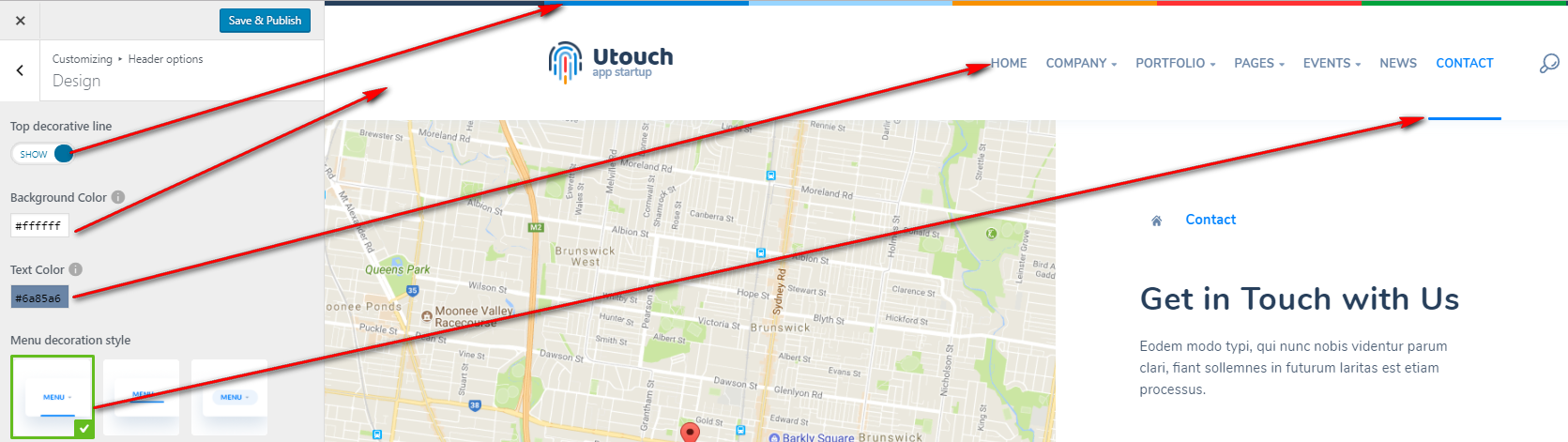
Design
- Top decorative line - colored line on the top of the header
- Background Color - select needed background color for your header
- Text Color - set the font color for your site menu and title
- Menu decoration style - select one of three decoration styles for your menu
You can show/hide sticky header on scroll:
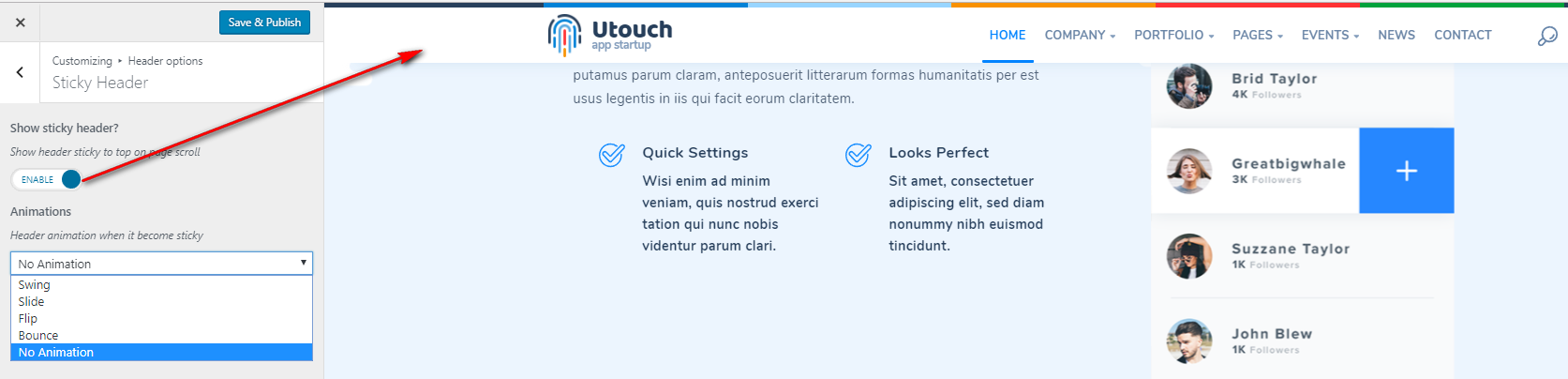
When sticky header is activated you can also set the animation when it appears/hides on scroll or turn it off.
Logotype
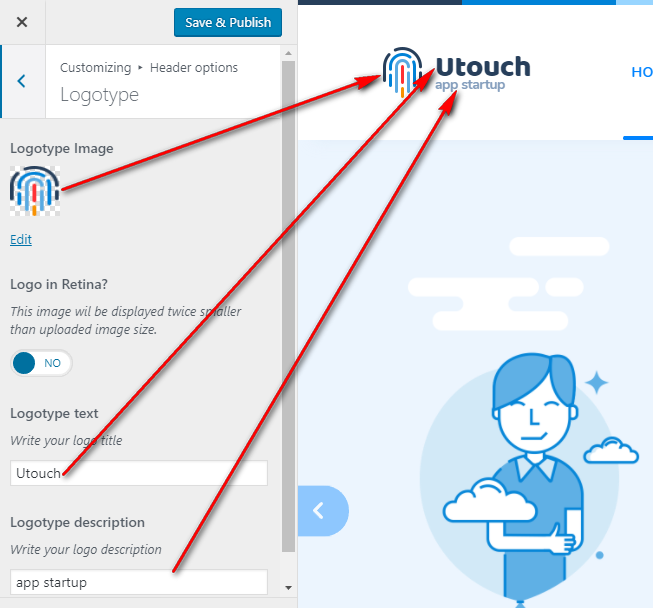
Logotype options are as follows:
- Logotype image
- Logo in Retina? - if enabled, your logo will display twice smaller than the original size.
- Logotype text
- Logotype description.
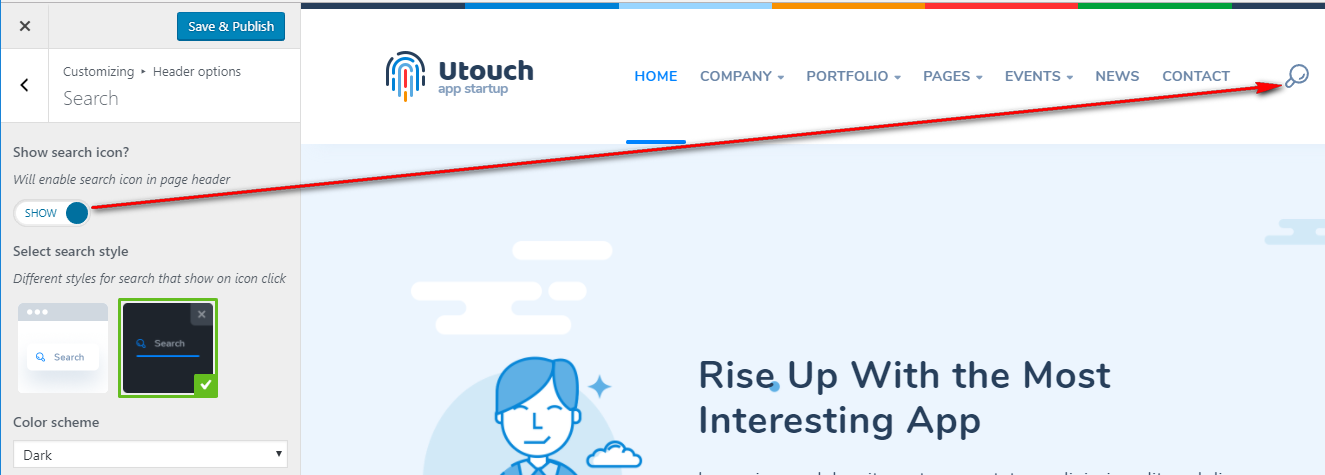
Search
Search options are as follows:
- Show search icon? - enable or disable search in header of your site.
- Select search style - select style of the search window when expanded.
- Color scheme - select white or dark color scheme for search window