Widgets
Under Widgets tab you can organize footer and sidebar area using given widgets.
- For this select the area (sidebar) you want to customize
NOTE: Sidebars are added under Dashboard Appearance>Widgets
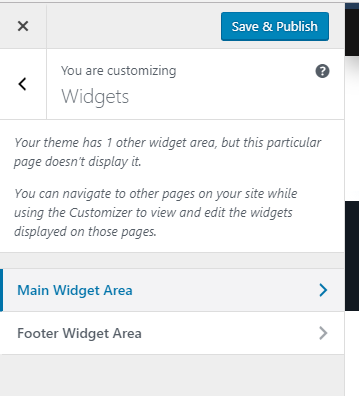
- Here you can add new or customize already added widgets.
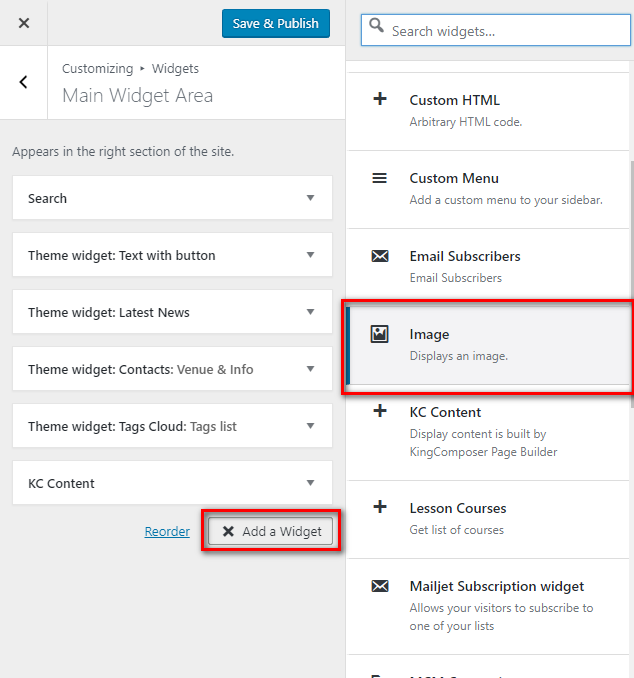
- Click Add a widget button, select needed widget from the appeared panel:
- Fill in required options inside a widget
- Hit Save&Publish button