Menus
To create a menu follow the next steps:
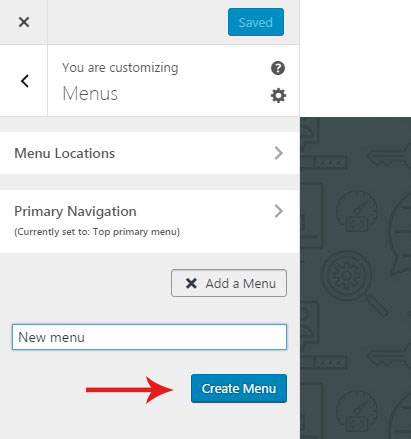
- Click on the 'Add a Menu' button, type name of your menu and hit the 'Create Menu' button.
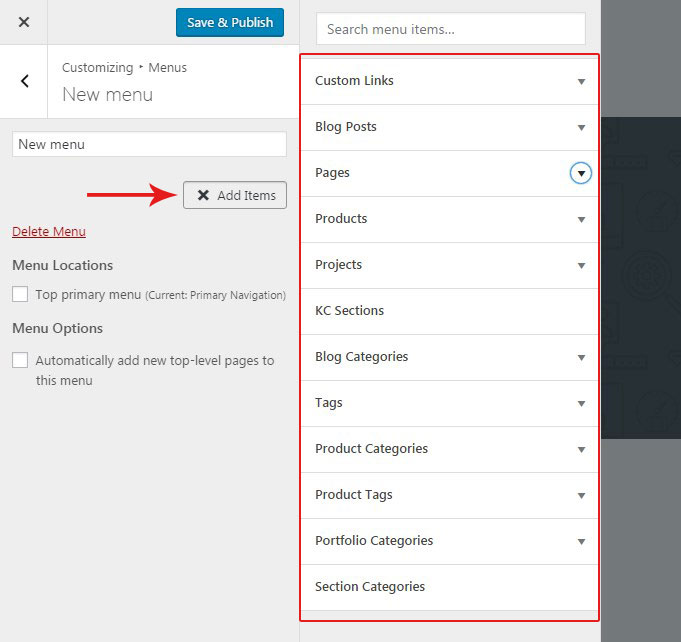
- Begin adding menu items by clicking on the 'Add items' button.
- Choose items among available page types from the popped out right panel.
- Once the items are added, you can reorder them and create submenus with simple drag-ad-drop function.
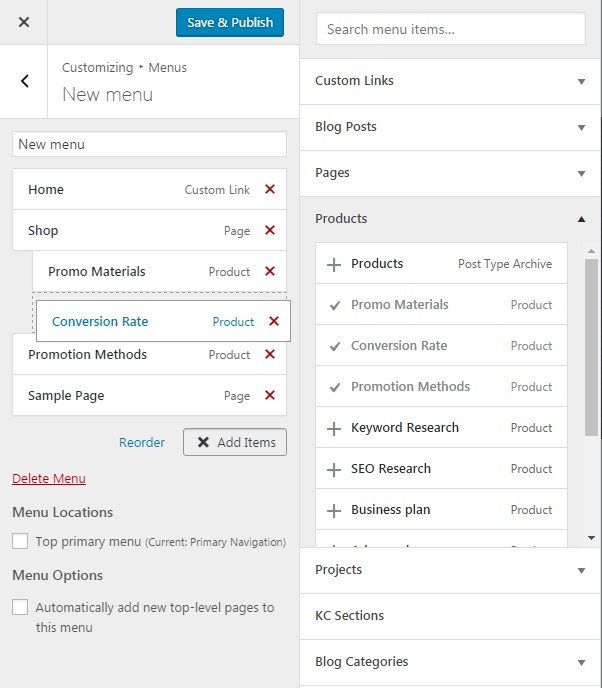
- When your menu is ready, hit the 'Save & Publish' button.